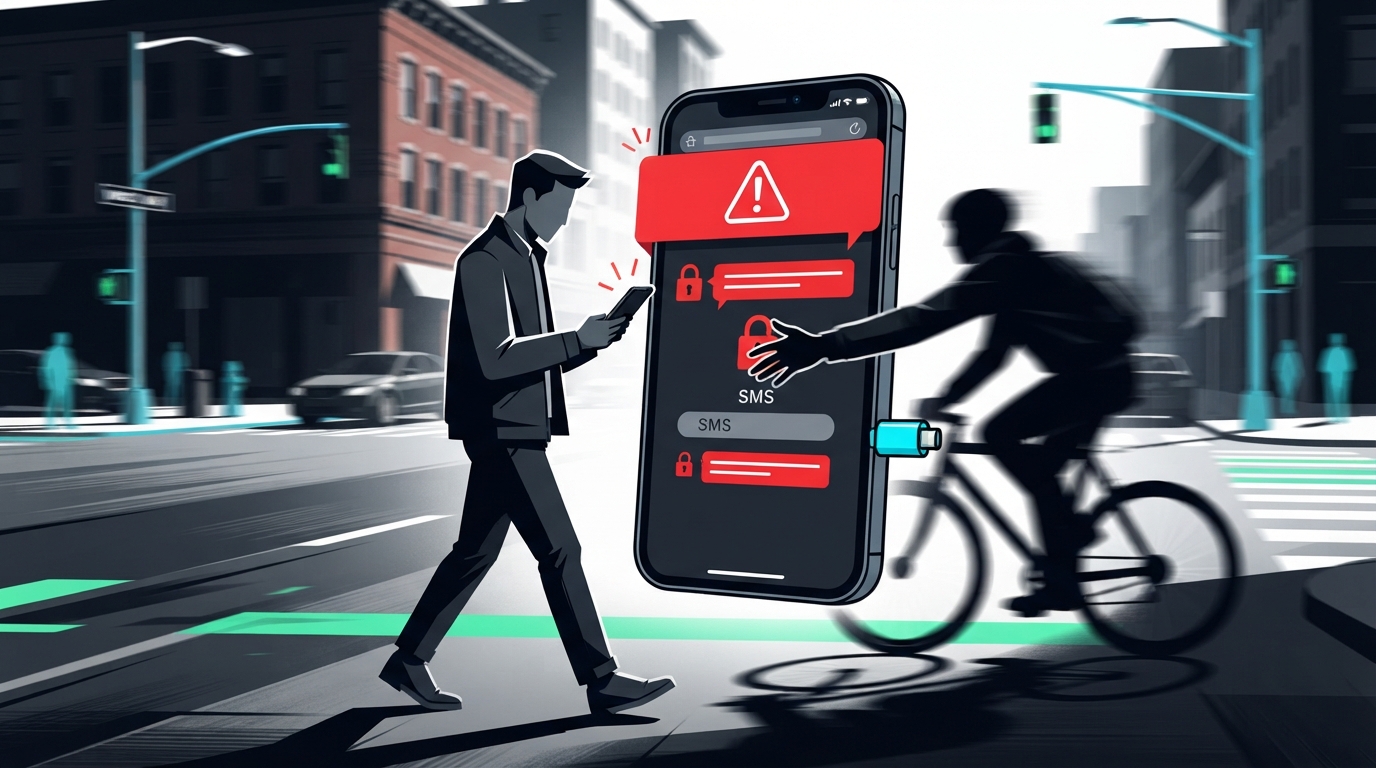
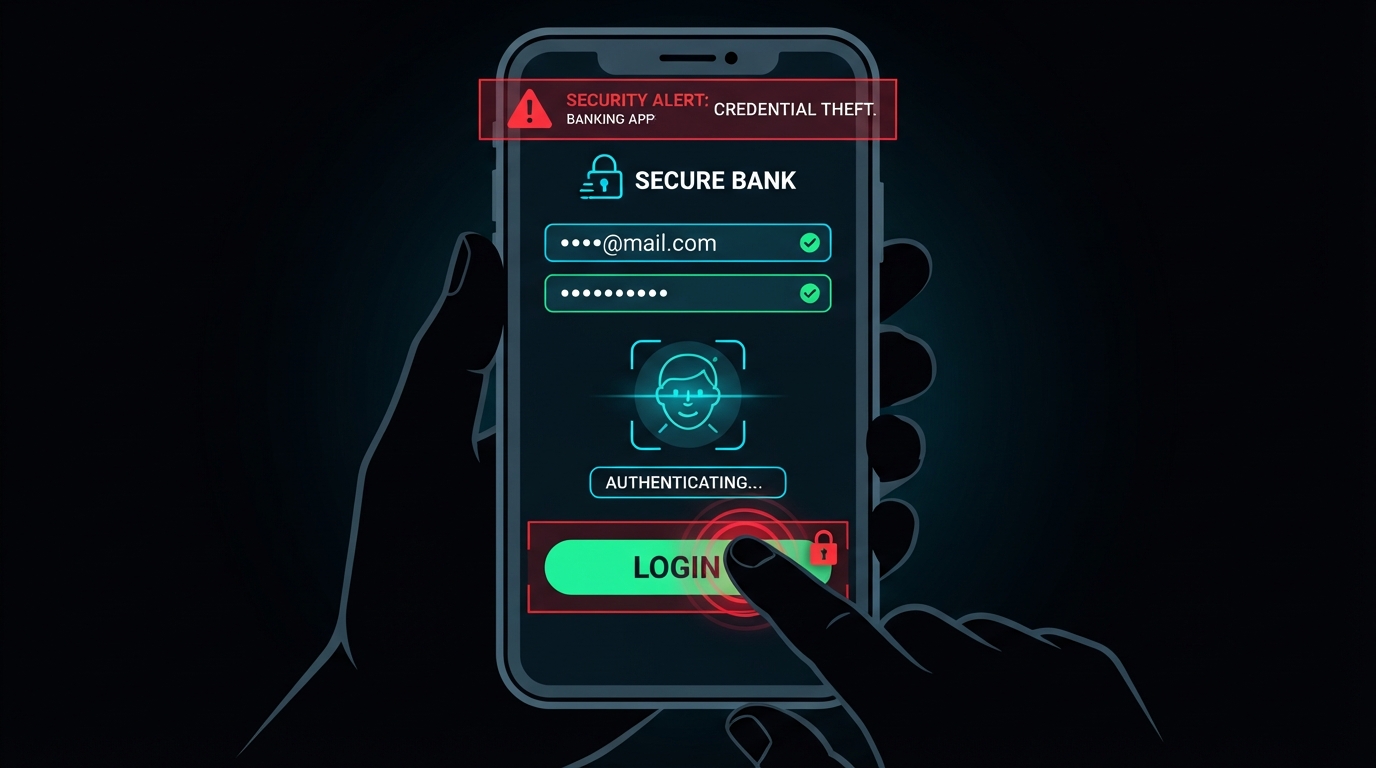
Can a Stolen Phone Unlock Your Bank App?
About this video
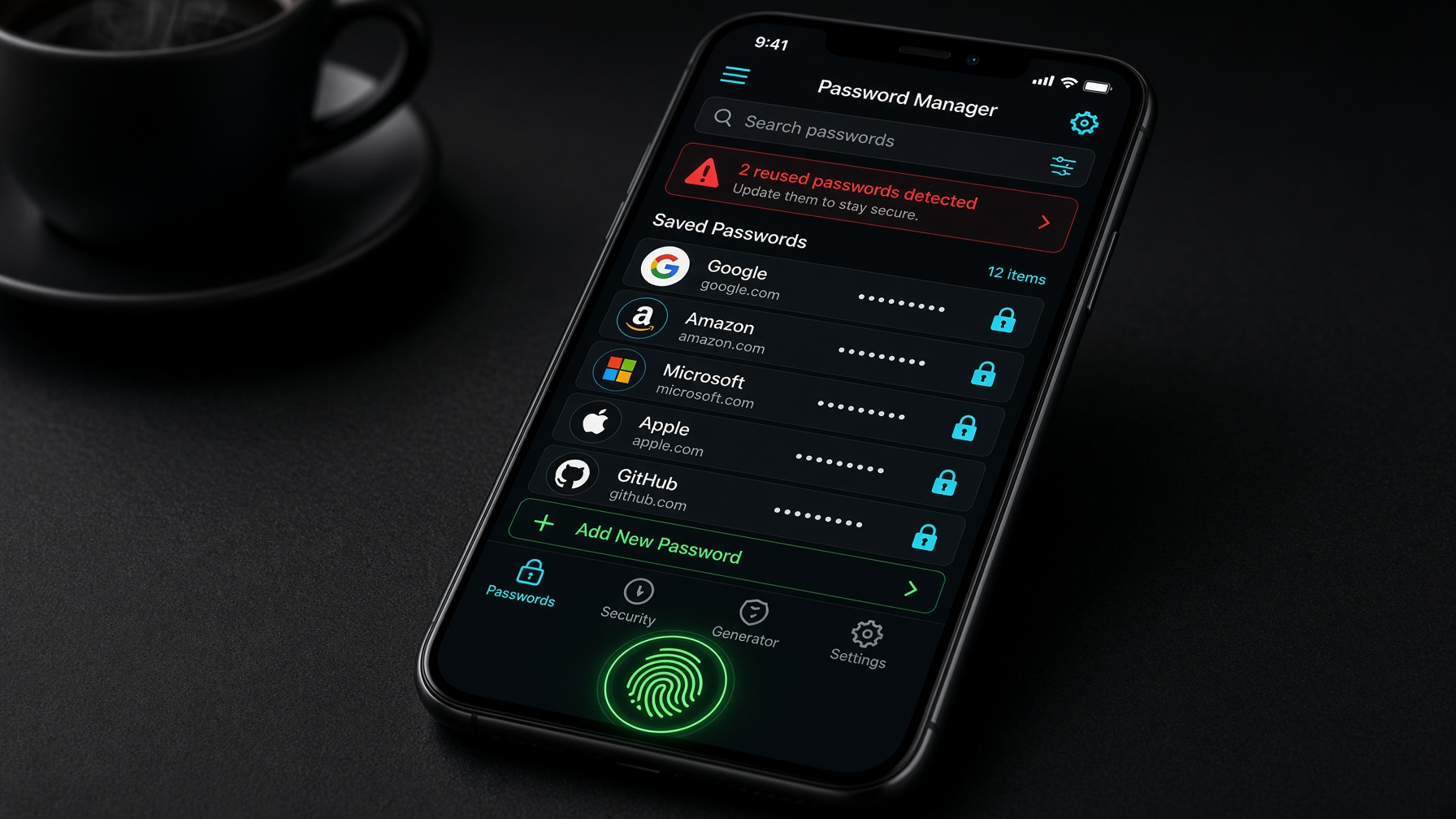
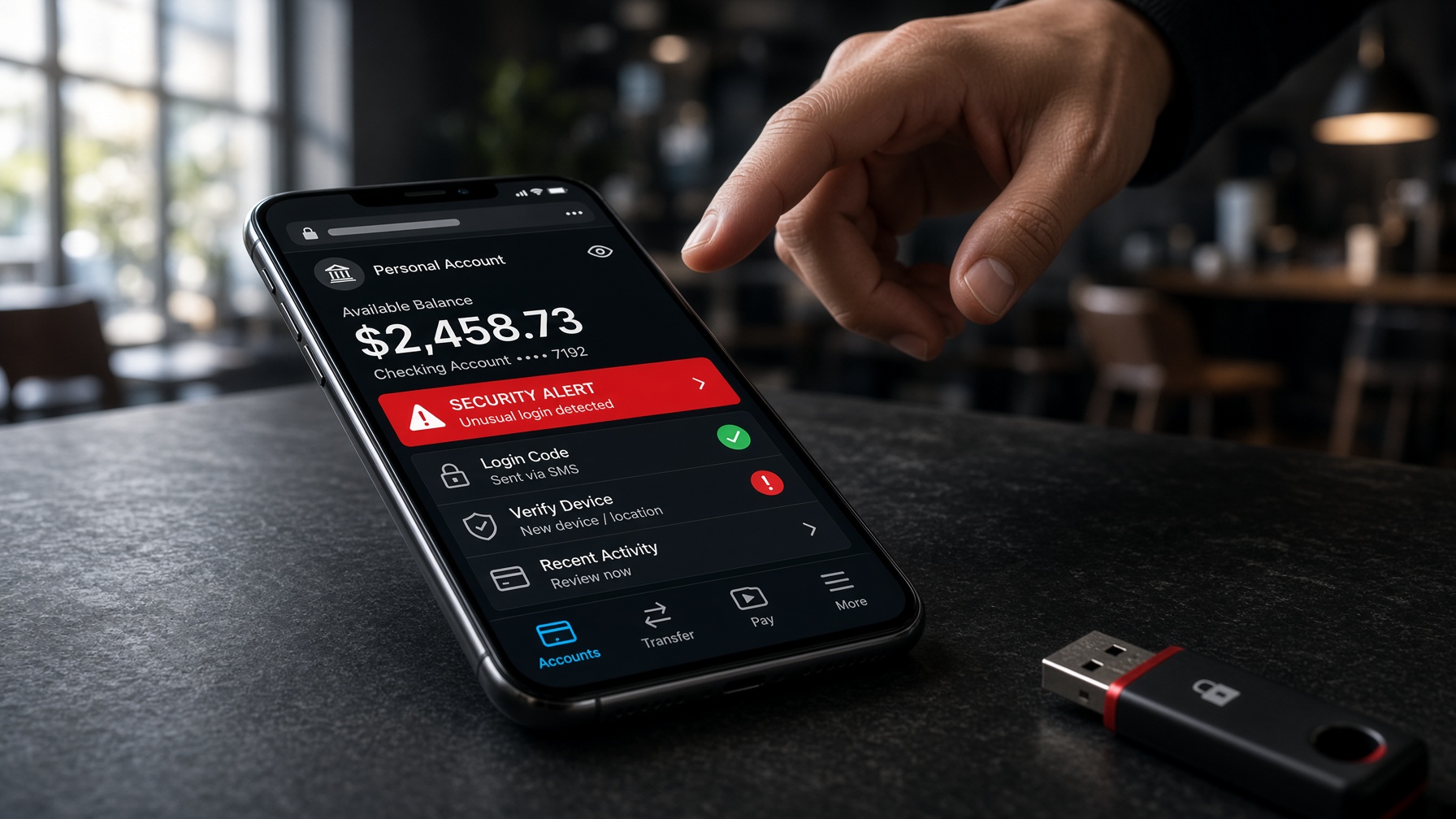
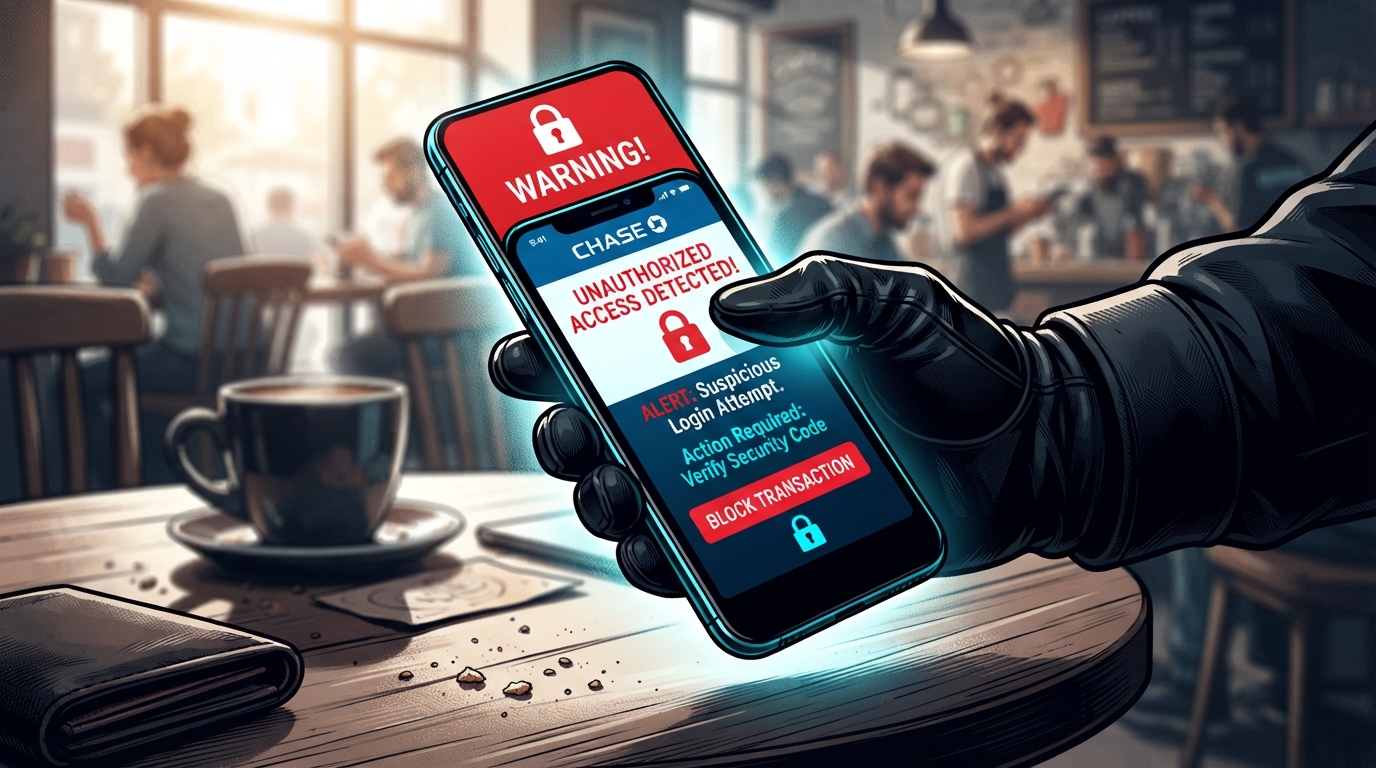
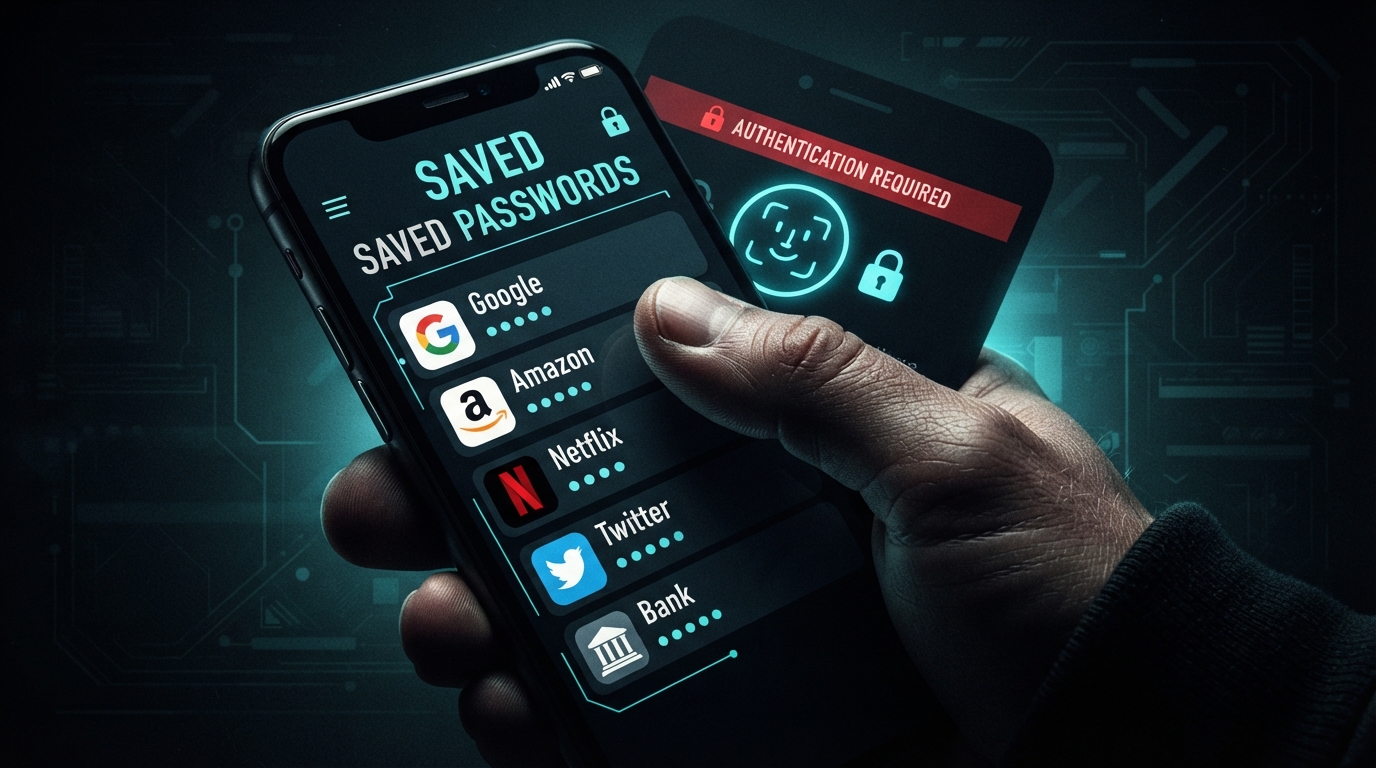
Learn why a stolen phone can become a stolen wallet, and how saved passwords and biometrics are the real risk. Discover the two settings that can protect your bank apps and personal data. Chapters: 00:00 The Lock Screen Lie 00:16 Convenience Is the Risk 00:31 The Clock Starts Now 00:47 Saved Passwords 01:03 No Hacking Needed 01:19 The Clock Starts Now 01:35 Biometrics: Username 01:50 PIN: The Real Password 02:06 Biometrics Aren't a Wall 02:22 62% Store Passwords 02:38 Double-Edged Sword 02:53 What's Inside? 03:08 First: PIN after restart 03:24 Second: Lock-screen access 03:39 The difference 03:53 Flip them on now 04:08 App Lock = Real Wall 04:24 Most Never Enable 04:39 Protect Your Money 04:53 PIN after restart 05:06 App PINs 05:20 The 30-Second Hack 05:35 The PIN Gap 05:51 44% of Thefts 06:07 A Master Key 06:23 The Real Threat 06:39 Enable It Now 06:55 The 30-Second Hack Sources & further reading: • Council on Criminal Justice - Smartphone Theft Report — Report on smartphone theft statistics in US cities • Pew Research Center - Mobile Technology and Password Management — Survey on password storage habits • Kaspersky - Biometric Authentication Bypass Research — Research on vulnerabilities in biometric systems • Apple Support - Use Face ID or Touch ID — Official documentation on biometric security settings • Google Support - Use Screen Lock — Official documentation on Android screen lock settings • FBI IC3 - Internet Crime Report — Annual report on cybercrime including mobile device losses
From the video
More from Stay Patched
That 'Card Added to Wallet' Text Is a ROBBERY in Progress
Why Your PLASTIC Card Gets Robbed and Your Phone Doesn't
Ghost Tapping: Thieves CHARGE Your Card Through Your Pocket
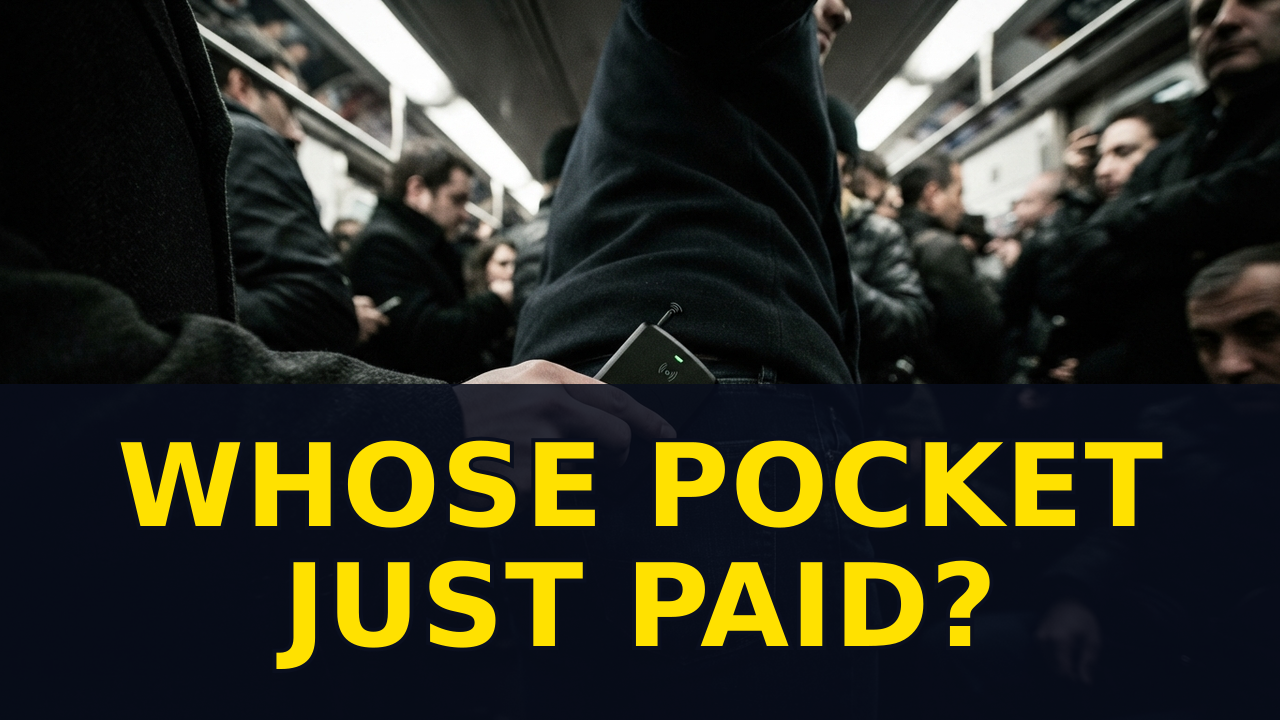
Can a Hidden TAP Steal Your Card?
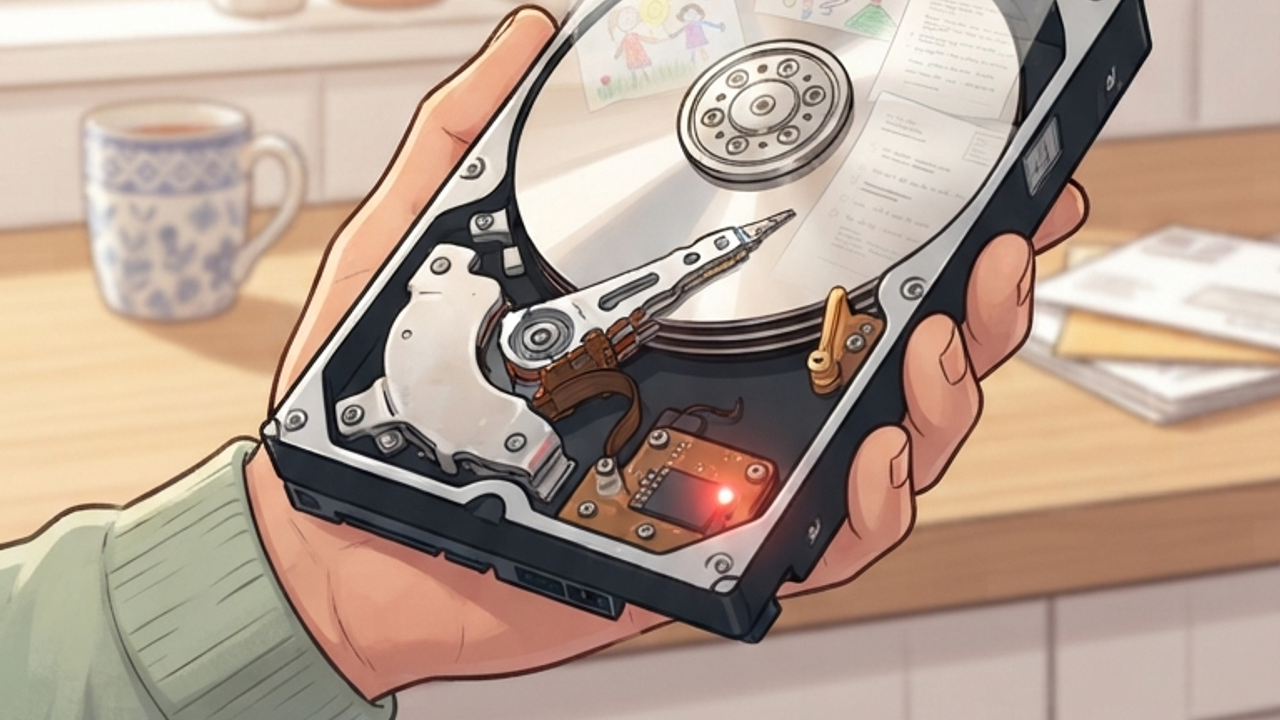
60% of Used Drives on eBay Still Hold the Owner's FILES

Hackers Scan Your Wi-Fi for Your TV's UNLOCKED Port
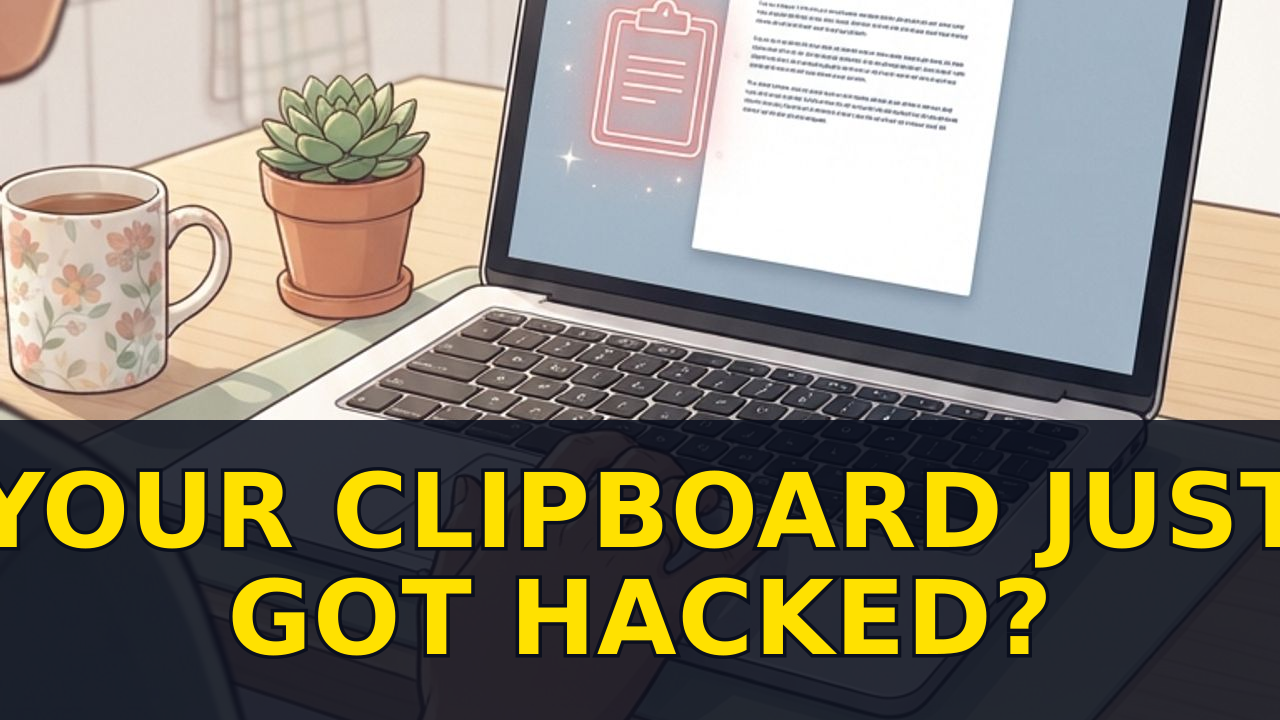
That CAPTCHA Just Copied a MALWARE Command to Your Clipboard