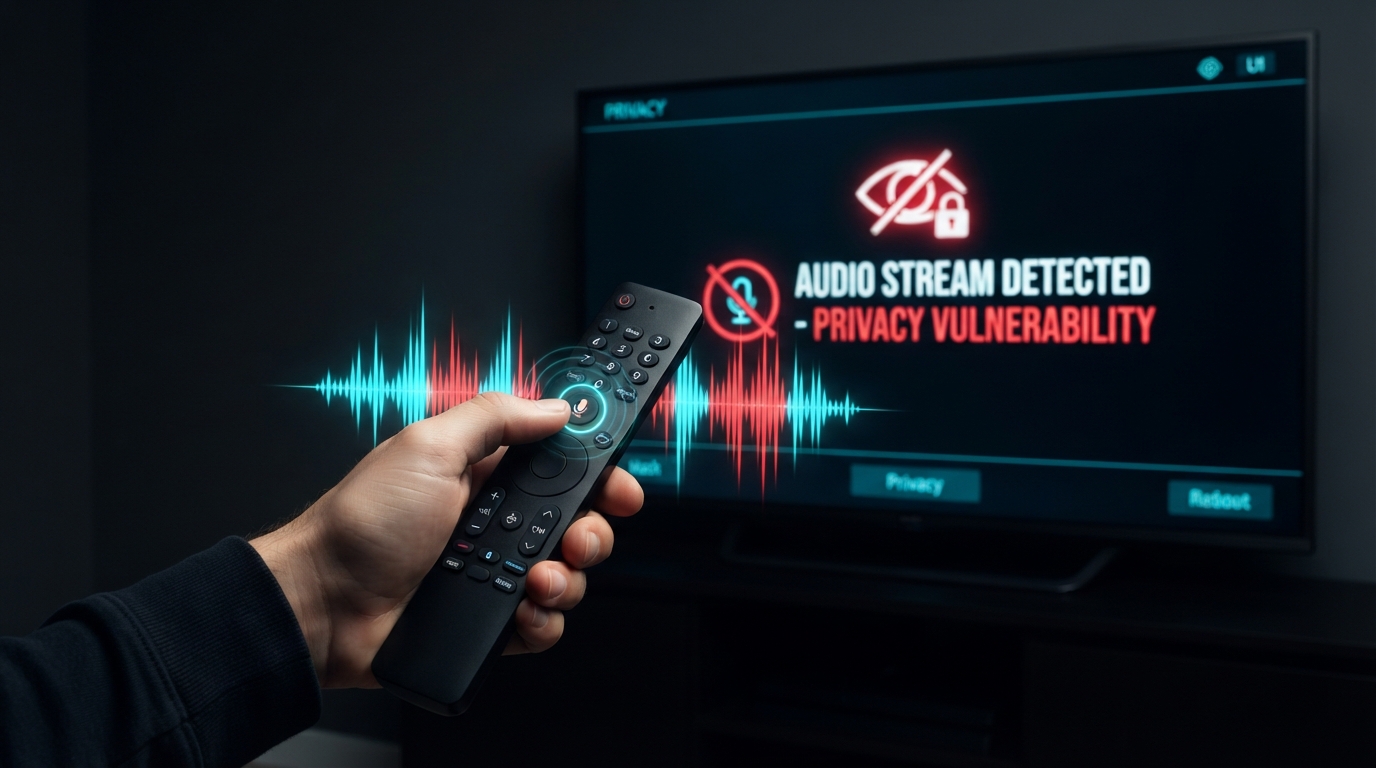
Can Your Smart TV Mic Record You Sleeping?
About this video
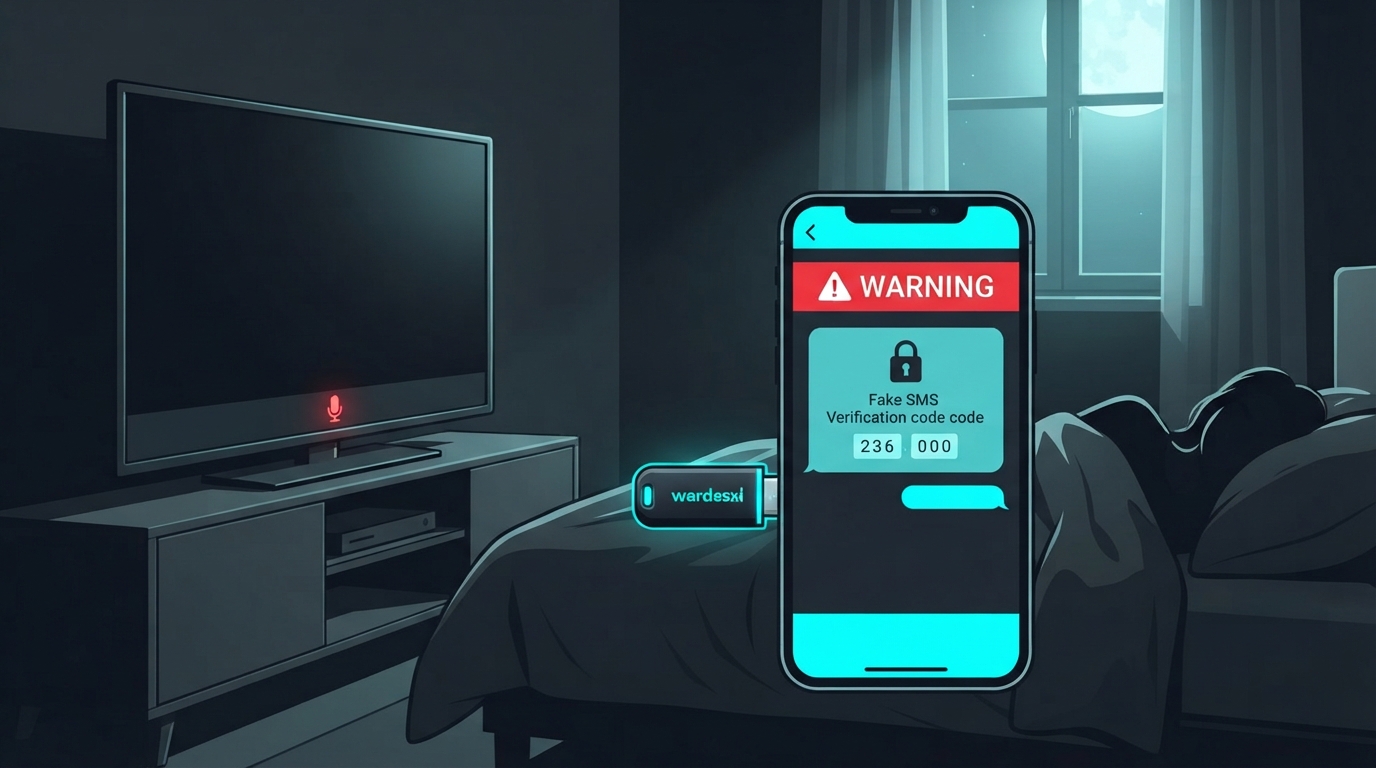
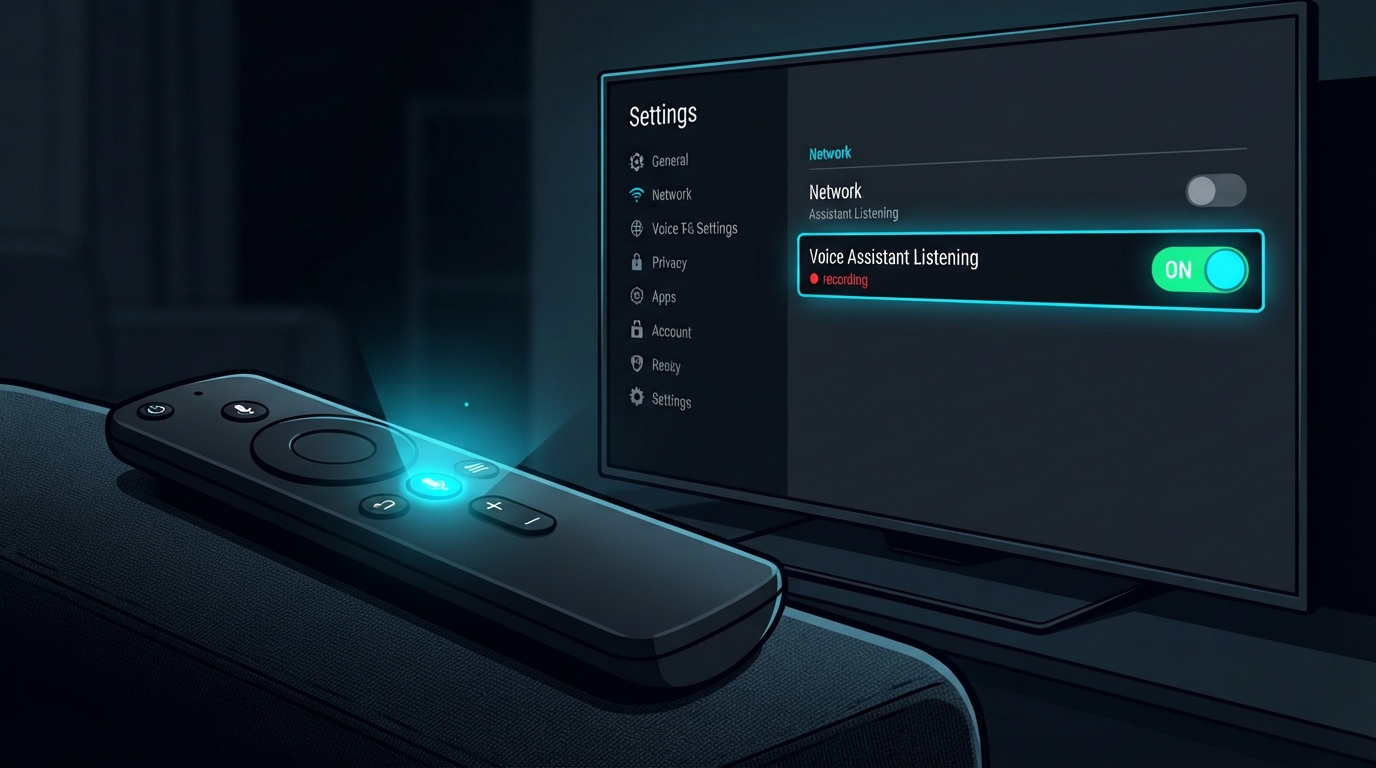
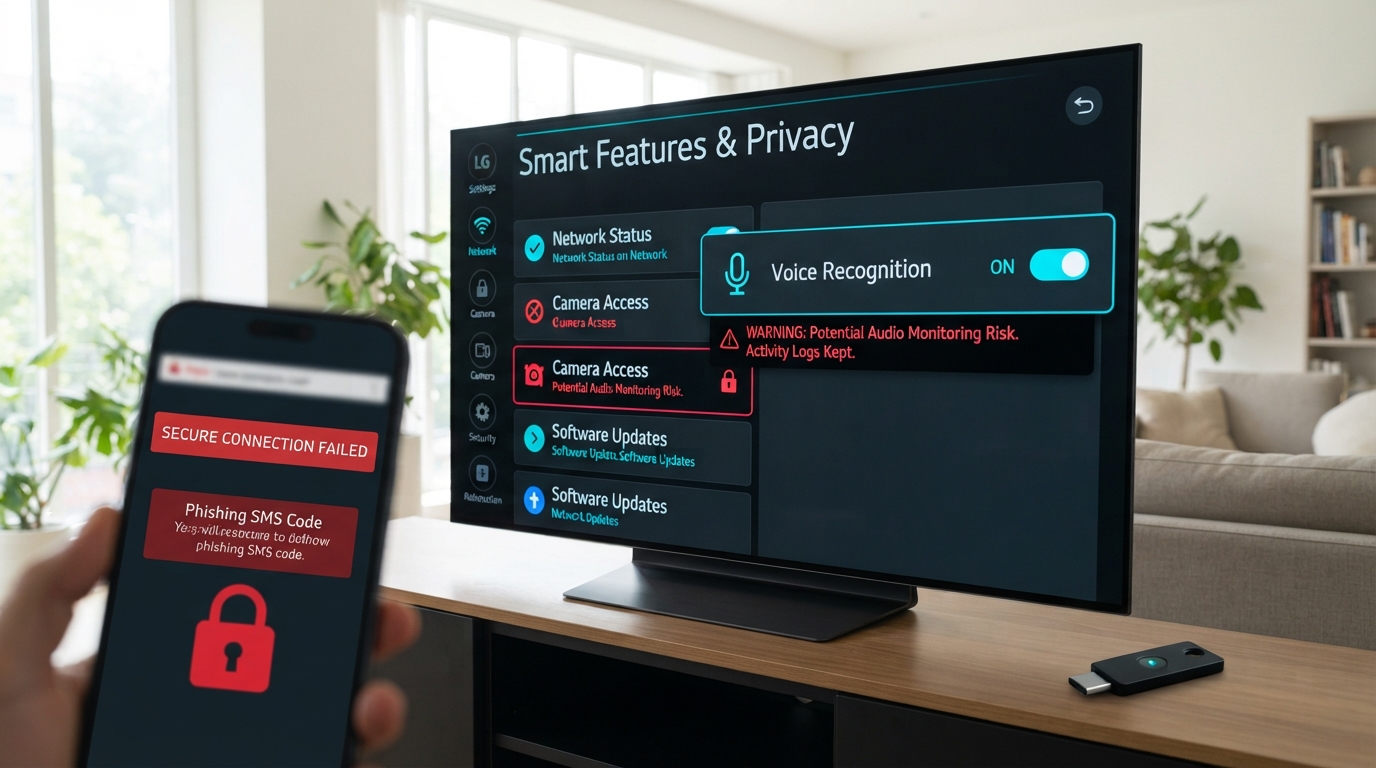
Did you know your smart TV's microphone may be active even when it's off? In this video, we show you how to disable the always-on voice feature and protect your privacy. Chapters: 00:00 Your TV Is Always Listening 00:16 Always-On by Default 00:31 The Mic Is Always On 00:45 Standby: Not Off 01:00 On by Default 01:13 Off Isn't Off 01:26 Wake Word Trigger 01:42 Audio Transmissions 01:55 Fine Print 02:08 It's Sharing 02:22 Vizio Settlement 02:35 Think About It 02:48 The Hidden Opt-Out 02:59 Always on by default 03:12 Off isn't really off 03:26 Convenience vs. privacy 03:43 The dream vs. reality 03:57 Warning vs. action 04:14 The catch 04:26 Do it tonight 04:40 Samsung's Warning 04:52 Buried Setting 05:08 Disabling May Not Work 05:19 CCPA: Your Right 05:35 Your Privacy, Your Call 05:51 Microphone in Standby 06:07 Third-Party Audio Sharing Sources & further reading: • FTC: Vizio Settlement — https://www.ftc.gov/news-events/news/press-releases/2017/02/vizio-pay-22-million-ftc-state-new-jersey-settle-charges-it-collected-viewing-data-11-million-smart • Samsung Smart TV Privacy Policy (2015) — https://www.samsung.com/us/smarttv/privacy/ • Princeton University Study on Smart TV Data Collection — https://www.cs.princeton.edu/~pmittal/publications/smarttv-ccs19.pdf • Consumer Reports: Smart TV Privacy Investigation — https://www.consumerreports.org/smart-tvs/smart-tv-privacy-risks/ • FTC Consumer Alert: Smart TVs — https://www.consumer.ftc.gov/articles/smart-tvs • LG Privacy Policy — https://www.lg.com/us/privacy
From the video